 Laue
Guide — Design
This guide is written for people who draw: patterns, fabrics, wallpapers, tiles, mosaics, mandalas. There is no mathematics in it. Each chapter first explains the idea in words and pictures, then shows how to put it into practice in Laue.
Getting started
In Laue
The New menu, at the top left, creates a tiling (a pattern that covers a surface) or a quasicrystal (Persian mosaics); in a tiling, the Tiling | Frieze | Mandala selector switches to borders and mandalas. The easiest way to discover the app is to open an example: the Examples button shows the list of titles, a click shows the description, and Open opens it as a copy. Nothing can be damaged, and every action can be undone with the back arrow.
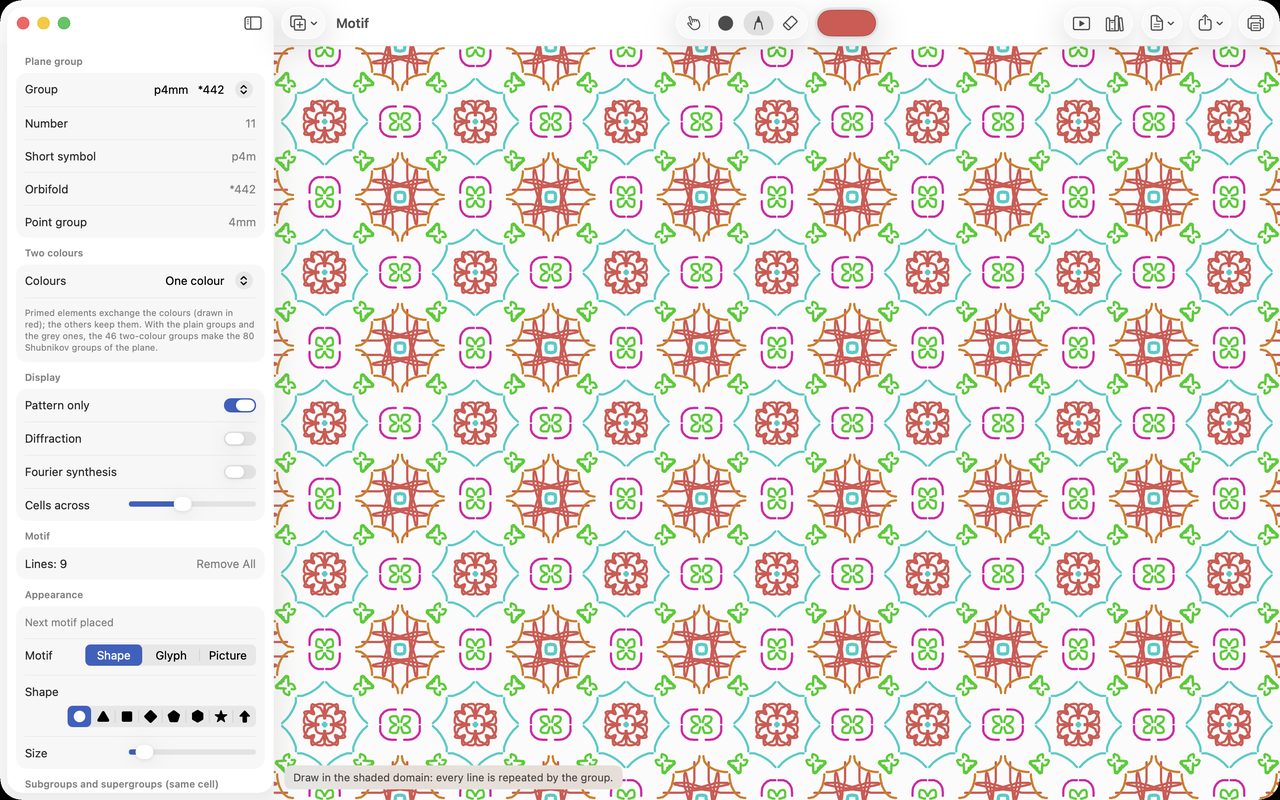
In the settings, setting the Usage to Design names the repeat rules in words (“Quarter turns and mirrors”) rather than in symbols, and shows the pattern on its own. The two other usages, Teaching and Science, each have their own, more technical guide: the selector at the top of this page leads to them.
A pattern that repeats
The idea
Look at a wallpaper, a printed fabric or a tiled floor: the same drawing comes back, again and again, in two directions. But it does not always come back in the same way. Sometimes it is simply copied a little further on, like a rubber stamp. Sometimes it is flipped over, as in a mirror. Sometimes it turns a quarter turn each time, like the sails of a windmill. These moves (copying, reflecting, turning) and their combinations make up the repeat rule of the pattern.
Two things come as a surprise when you first discover them:
- there are only seventeen rules for covering a wall with no gaps and no overlaps. Not one more: this has been proved since the nineteenth century, and the craftsmen of the Alhambra knew almost all of them;
- you can only turn by a half, a third, a quarter or a sixth of a turn. A pattern that turns by a fifth of a turn never fits with its neighbours: that is why no ordinary tiled floor is made of pentagons.
Since the rule does all the work, you only need to draw a small part of the pattern: the rule copies it, turns it and reflects it to fill the whole surface. Laue shades this small part in grey; everything you draw in it is repeated everywhere.
In Laue: step by step
- Choose a rule in the Plane group menu. To start with: “Quarter turns and mirrors” gives a square kaleidoscope, “Sixth turns and mirrors” a hexagonal kaleidoscope, “Quarter turns” a pinwheel.
- Draw in the shaded area with the Draw tool, freehand, in the colour you chose. The stroke appears everywhere at once.
- Place motifs with the Motif tool: a shape (circle, star, rhombus, hexagon…), a letter, an emoji or your own picture. The Appearance panel sets its size, rotation and colour. Brought close to a centre of rotation or a mirror line, the motif snaps onto it, and its copies join up into a rosette.
- Make corrections: Select moves a stroke or a motif together with all its copies; Erase removes whatever you touch.
- Look at the result: Pattern only hides the grid and the guide marks. Only your pattern remains. Under Extent, Whole plane fills the view; Portion shows only a block of tiles, for example 3 × 2, framed in the middle, like a fabric swatch or a sample panel of tiles, and the exported image keeps this framing.
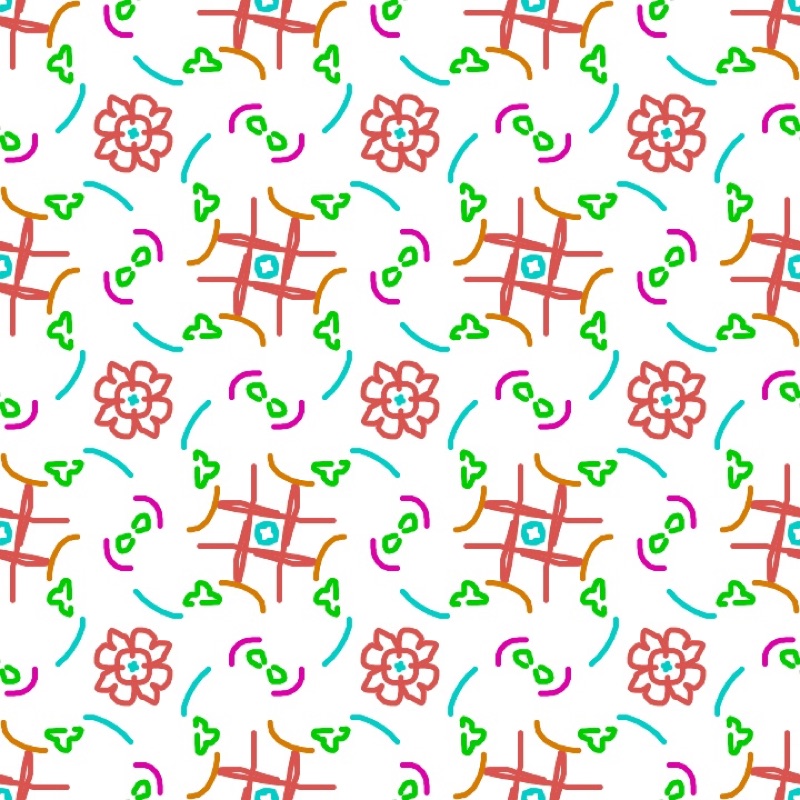
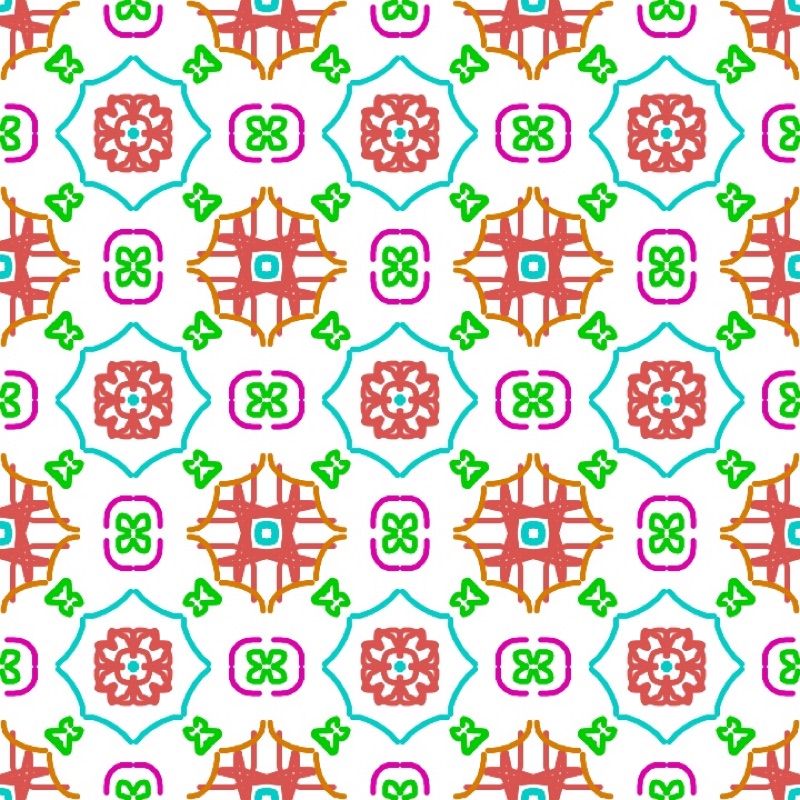
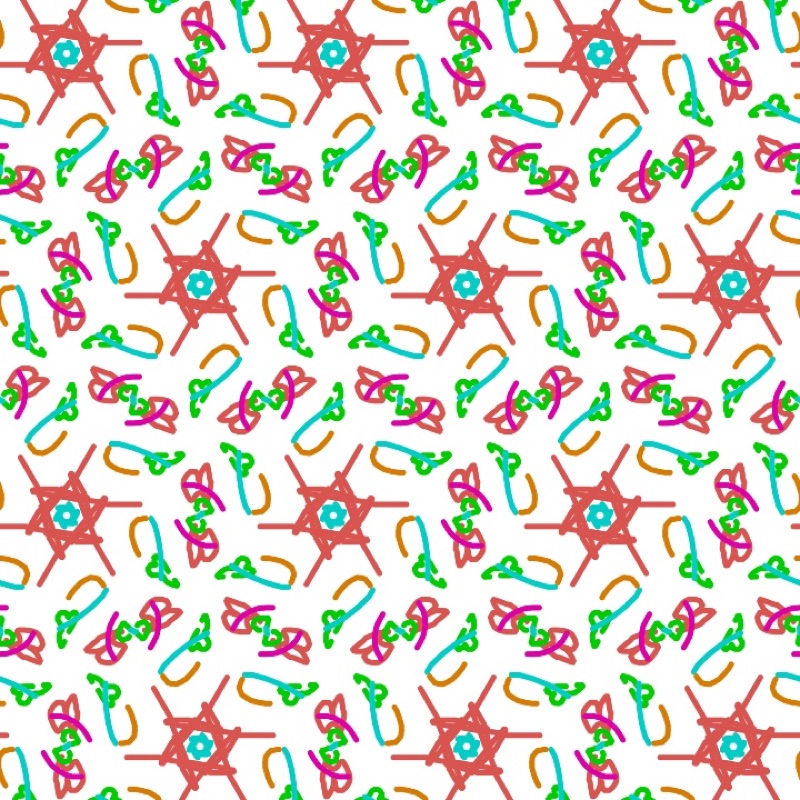
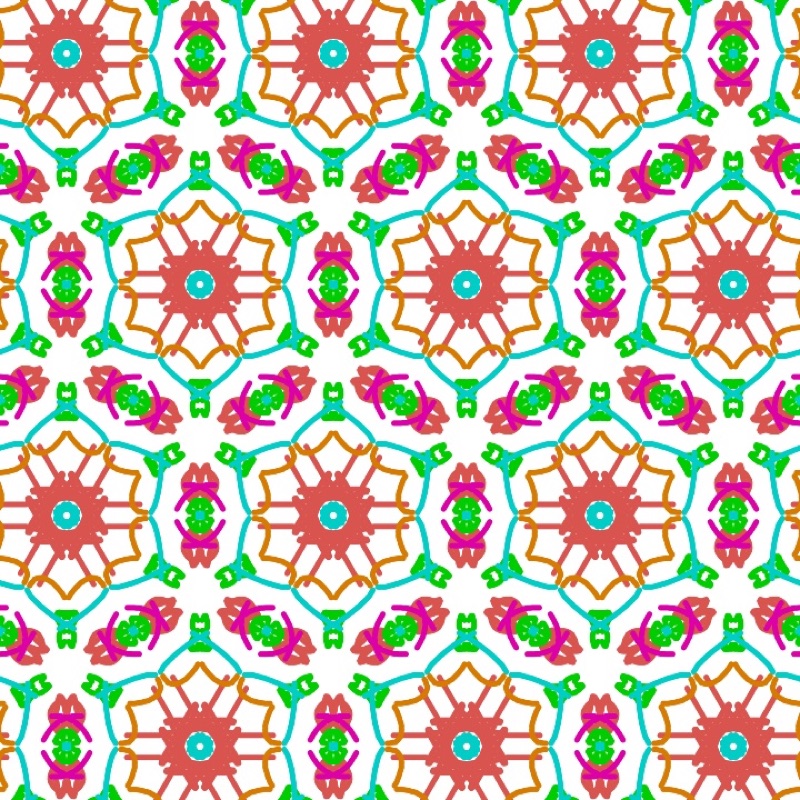
The neatest trick of all: change the rule without redrawing anything. The same stroke becomes a pinwheel, a kaleidoscope or a scattered pattern.
The seventeen rules, in words
The idea
Here are the seventeen rules, with the name Laue gives them in Design mode and an example you come across every day. In brackets, the specialists' symbol, which Laue shows next to the name.
| Rule | What you see |
|---|---|
| Shifts only (p1) | The motif copied as it is, always facing the same way: flowers scattered over a fabric. |
| Half turns (p2) | The motif and its upside-down copy, like the figures on a playing card. |
| Parallel mirrors (pm) | Stripes where the motif is reflected from one stripe to the next. |
| Parallel glides (pg) | Rows where the motif is reflected while moving on by half a step, like footprints. |
| Mirrors and glides between them (cm) | Symmetric motifs set out in a staggered arrangement. |
| Mirrors at right angles (pmm) | A grid of motifs that are symmetric both ways, like a tartan. |
| Mirrors one way, glides the other (pmg) | Motifs symmetric left to right, turned upside down from one row to the next. |
| Glides at right angles (pgg) | Herringbone parquet, bricks laid in a zigzag. |
| Mirrors at right angles, staggered (cmm) | An ordinary brick wall. |
| Quarter turns (p4) | Pinwheels all turning the same way. |
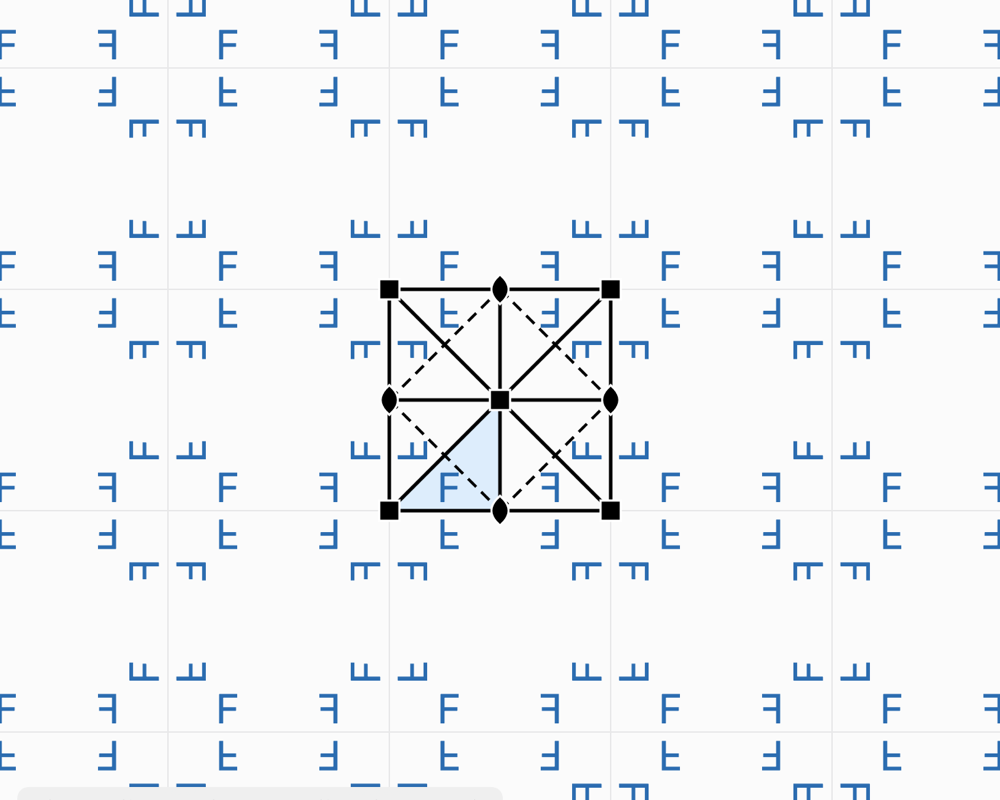
| Quarter turns and mirrors (p4mm) | The chessboard, square tiles. |
| Quarter turns and glides (p4gm) | Basketwork: rectangles woven in pairs. |
| Third turns (p3) | Triskeles, three-armed motifs that turn. |
| Third turns, mirrors through every centre (p3m1) | Symmetric triangles, pointing alternately up and down. |
| Third turns, mirrors through some centres (p31m) | Three-pointed stars that fit into one another. |
| Sixth turns (p6) | Six-armed rosettes that turn. |
| Sixth turns and mirrors (p6mm) | The honeycomb, hexagonal tiles. |
In Laue
The Plane group menu gives these names in this order. To see what a rule does, open the example of the letter F: a letter with no symmetry shows every move, turned by the rotations and flipped by the mirrors. The guide marks drawn over the pattern show the mirrors, the glides and the centres of rotation; Symmetry elements hides them.
Two colours
The idea
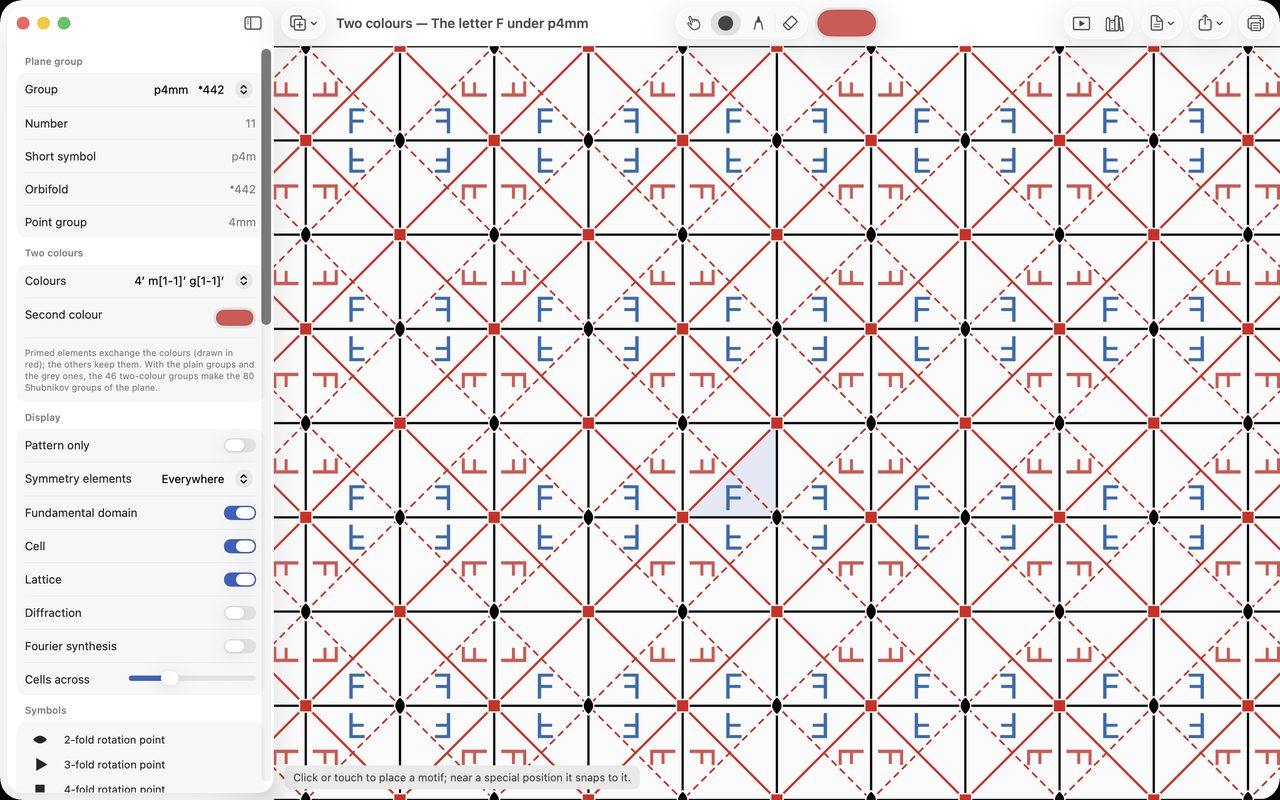
In Escher's prints, a white fish turns black when it is flipped over; on a chessboard, each square changes colour from its neighbour. A change of colour can be added to the rule: some moves keep the colour, others swap it. This gives forty-six ways of repeating a pattern in two colours.
In Laue
The Two colours section offers the two-colour versions of the chosen rule, and the second colour. The moves that swap the colours are drawn in red. Each motif and each stroke also keeps its own colour, and the Background colour is set separately.
Borders and friezes
The idea
A border, a braid, a ceramic frieze repeat in one direction only. There are only seven ways of doing it. The mathematician John Conway gave them the names of steps: the hop, the step, the sidle, the spinning hop… The best known is the trail of footprints in the snow: each step is the reflection of the one before, moved on by half a step.
In Laue
At the top of the panel, the Tiling | Frieze | Mandala selector switches to friezes. The menu then offers the seven ways, named in words: “Shifts along the band”, “A mirror along the band”, “Mirrors across the band”, “Footsteps: a glide along the band”, “Half turns in the band”, “Mirrors along and across the band”, “Mirrors across and half turns”. The height of the band is set in the Band section. You draw exactly as for a tiling.
Mandalas and rosettes
The idea
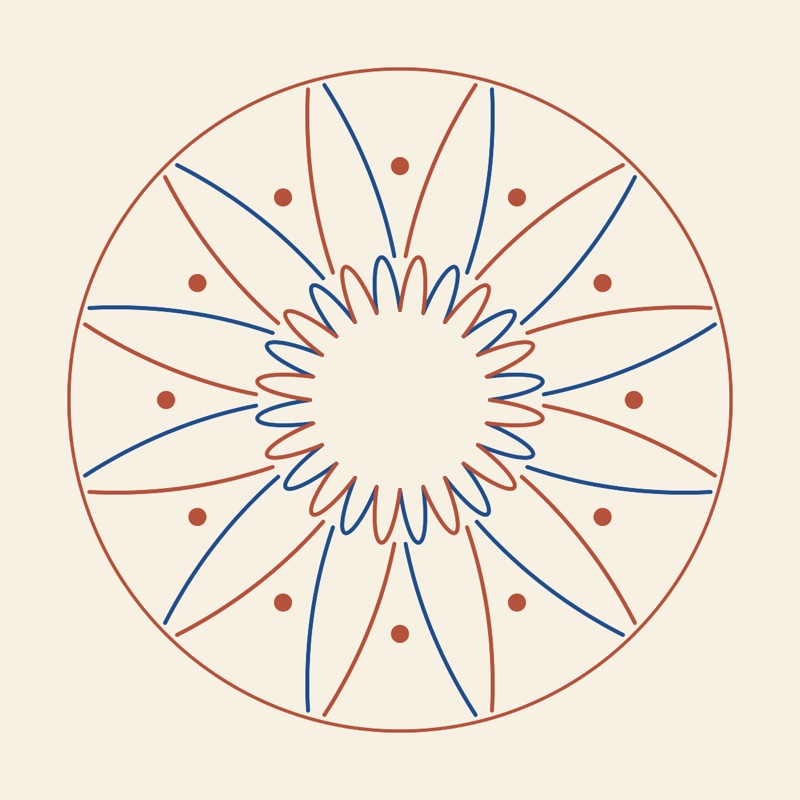
A mandala, a cathedral rose window, a flower: the pattern turns around a centre. There are only two kinds of rosette. Some only turn, like a pinwheel: all the arms lean the same way. Others also have mirrors, like a star: each arm is symmetric. Here, unlike tiled floors, any number of arms is allowed: five, eight, twelve, thirteen…
In Laue
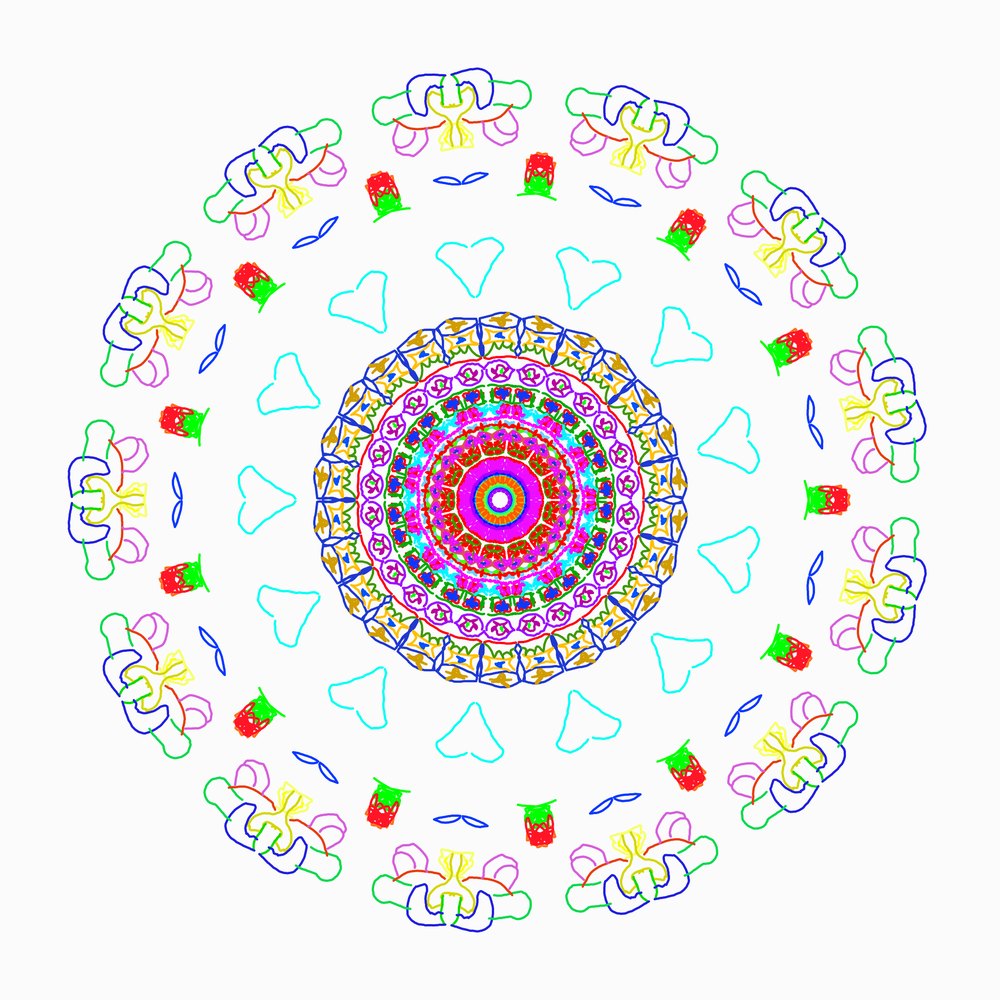
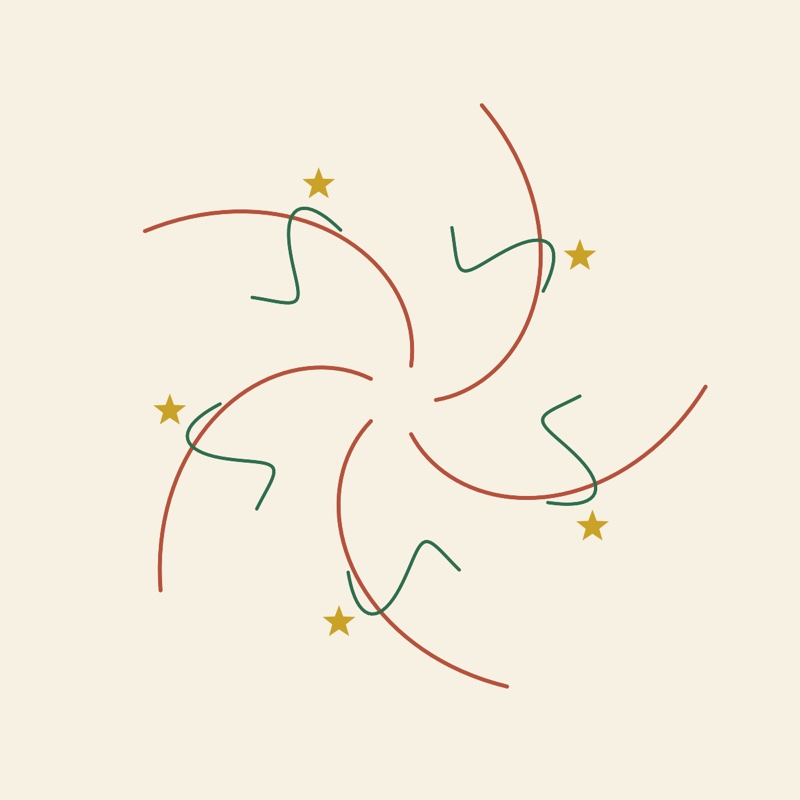
The Tiling | Frieze | Mandala selector opens the mandala workshop. The Order setting chooses the number of arms (from 1 to 24), and the Mirrors switch goes from pinwheel to star. Draw in the shaded sector: every stroke is copied all the way round. A motif placed on a mirror line or at the centre snaps onto it. Zoom (or pinching on iPad) enlarges the figure for fine details, and the mirror lines, which help guide your hand, are hidden with Symmetry elements. Two colours makes the sectors alternate. Below the lines, you set the thickness of the stroke and its style: solid, dashed, dotted or powder. Powder imitates the coloured sand of Tibetan mandalas, poured along the stroke; its fall radius says how far the grains scatter.
Finding the rule of a tiled floor
The idea
In front of an old floor, a fabric or a zellige, you can look for its rule: where are the centres of rotation? The mirrors? How many times does the pattern turn around a point? Once the rule is found, you can remake the pattern, vary it or extend it.
A simple method:
- look for the smallest piece that, copied as it is, rebuilds the whole design;
- look for the points around which the design turns, and by how much;
- look for the mirror lines, then the glides: a reflection shifted by half a step.
In Laue
Place the photo under the pattern with the Background picture section. Adjust its width, rotation, position and opacity until the grid falls on the repeat of the photo. Then try the rules: the right one is the one whose guide marks fall on the centres and mirrors of the original. The tutor's “Identify” exercises train the eye.
Persian and Moroccan mosaics
The idea
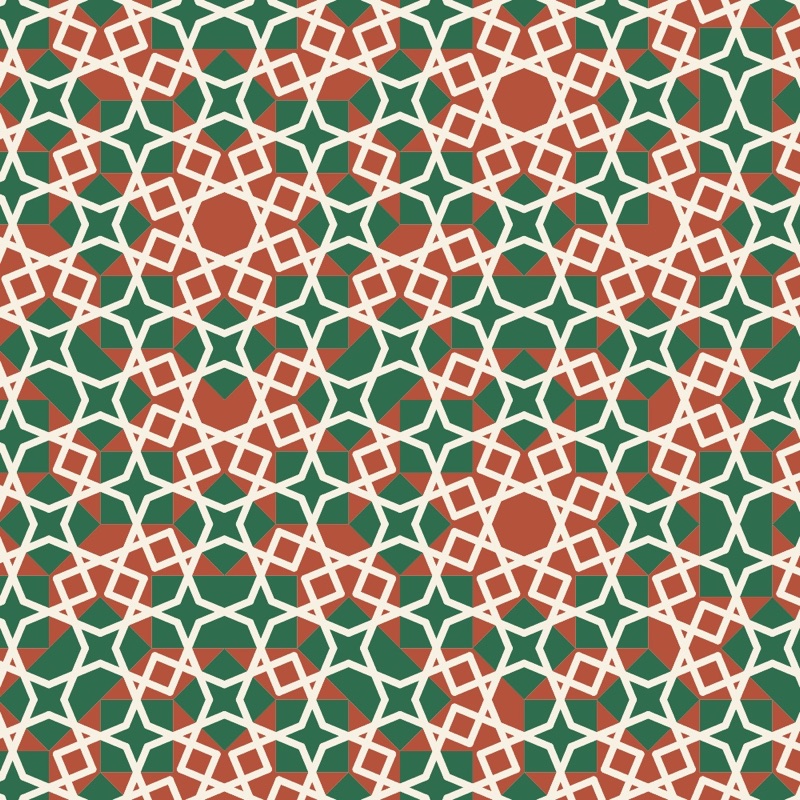
The girih of the mosques of Isfahan and Moroccan zellige have stars with five, eight, ten or twelve points. Yet these numbers are forbidden to tilings that repeat. The craftsmen found a way out: a design that is ordered but never repeats. The same stars and the same tiles are seen everywhere, but never twice with the same surroundings. The strapwork is drawn on hidden tiles: a decagon, a rhombus, a bow tie. At the Darb-i Imam shrine (1453), this design follows almost exactly a tiling that the mathematician Roger Penrose would rediscover five centuries later.
This kind of order also exists in matter, in certain alloys: they are called quasicrystals, hence the name of the workshop.
In Laue
The workshop's Pattern menu offers three tilings: Penrose, with ten points, Ammann-Beenker, with eight, and dodecagonal, with twelve. In the Tiles section, each kind of tile has its own colour, and the thickness of the edges can be set (zero hides them). The Decoration menu lays lines that run on from one tile to the next:
- the Strapwork (girih), with an adjustable crossing angle;
- the Penrose arcs, which draw long curves right across the tiling;
- Arcs between edge midpoints;
- Ribbons that cross the tiling from one side to the other.
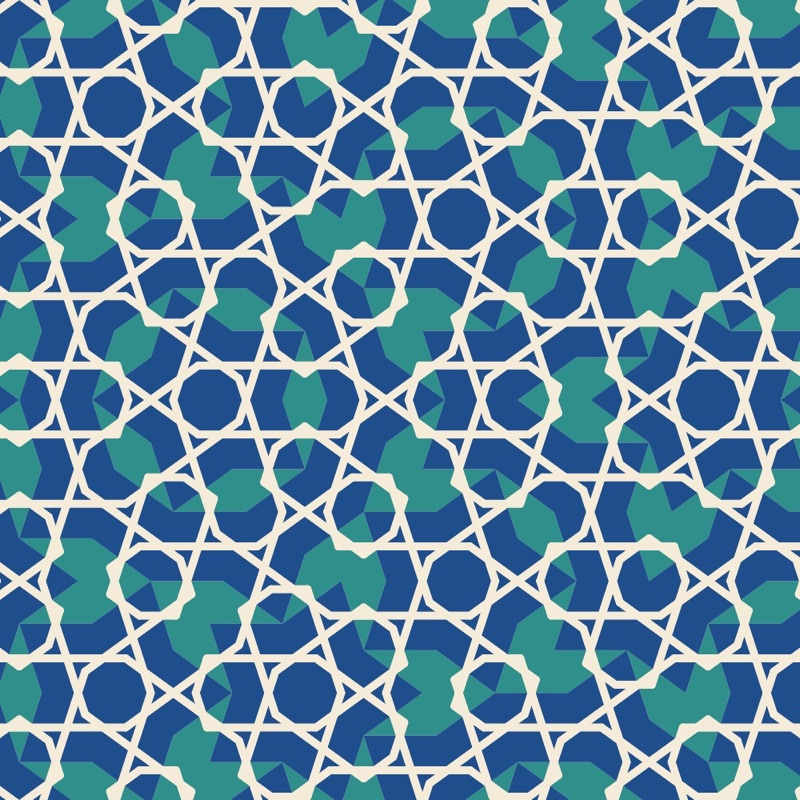
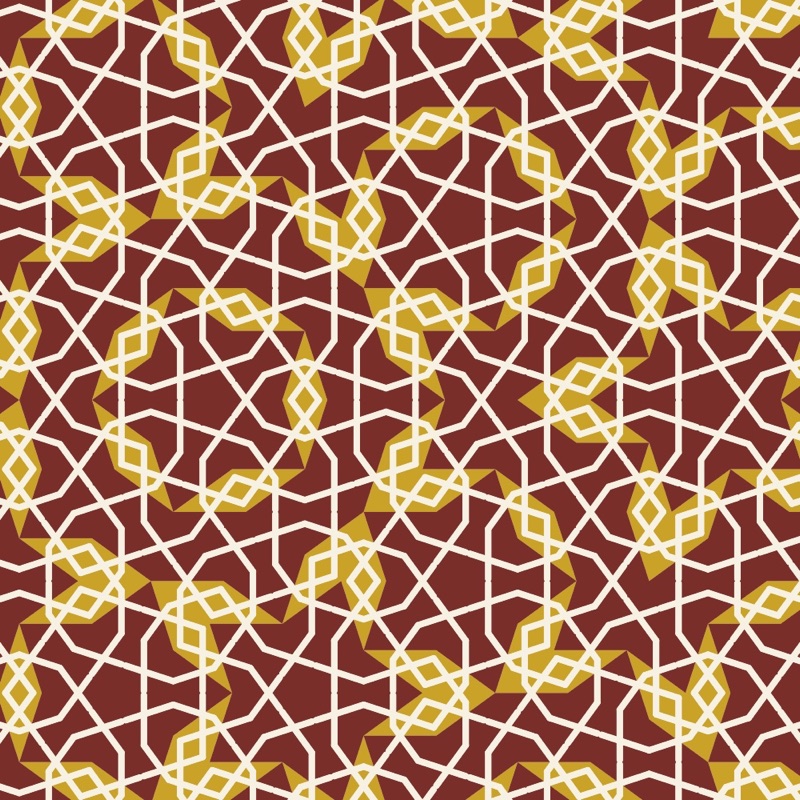
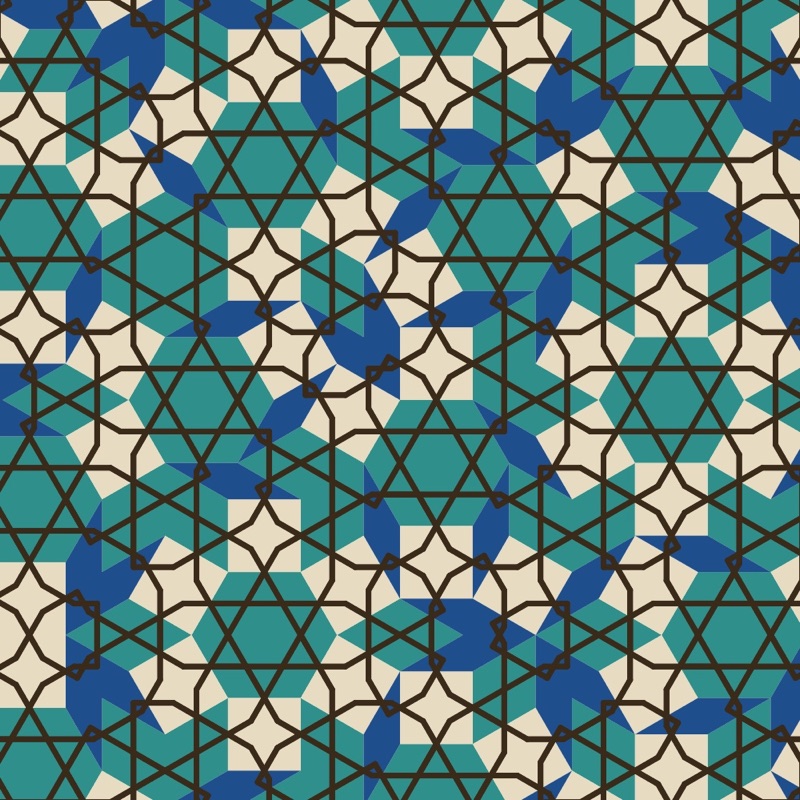
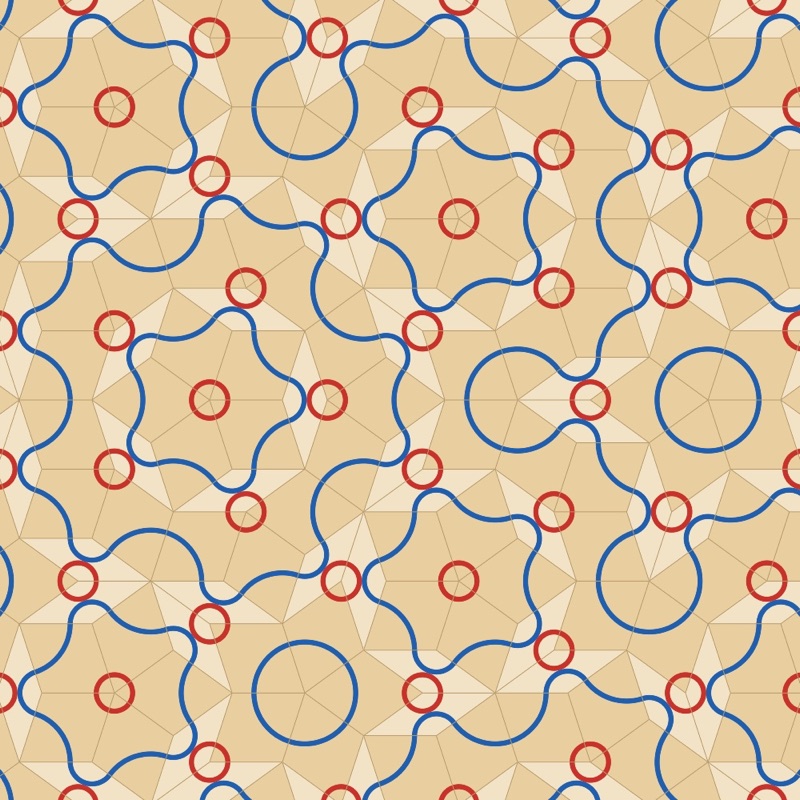
Drawing your own tiles. Design the Tiles… opens a tile in a large view. Draw lines on it, place motifs on it: everything is repeated on every tile of the same kind, turned with it. A stroke that ends on one of the marked points of the edge carries on into the neighbouring tile, and the strapwork closes up by itself.
Printing, fabric and wallpaper
The idea
A fabric or wallpaper printer does not want a picture: they want a repeat tile that joins without a seam, the right edge continuing exactly the left edge. Three kinds of repeat are in common use:
- the straight repeat, where the tiles sit side by side;
- the half-drop, where each column drops by half a tile;
- the half-brick, where each row is shifted by half a tile.
For sharpness, allow 300 dots per inch for ordinary printing, and more for a fine textile. A vector file (PDF, SVG) is sharp at any size.
In Laue
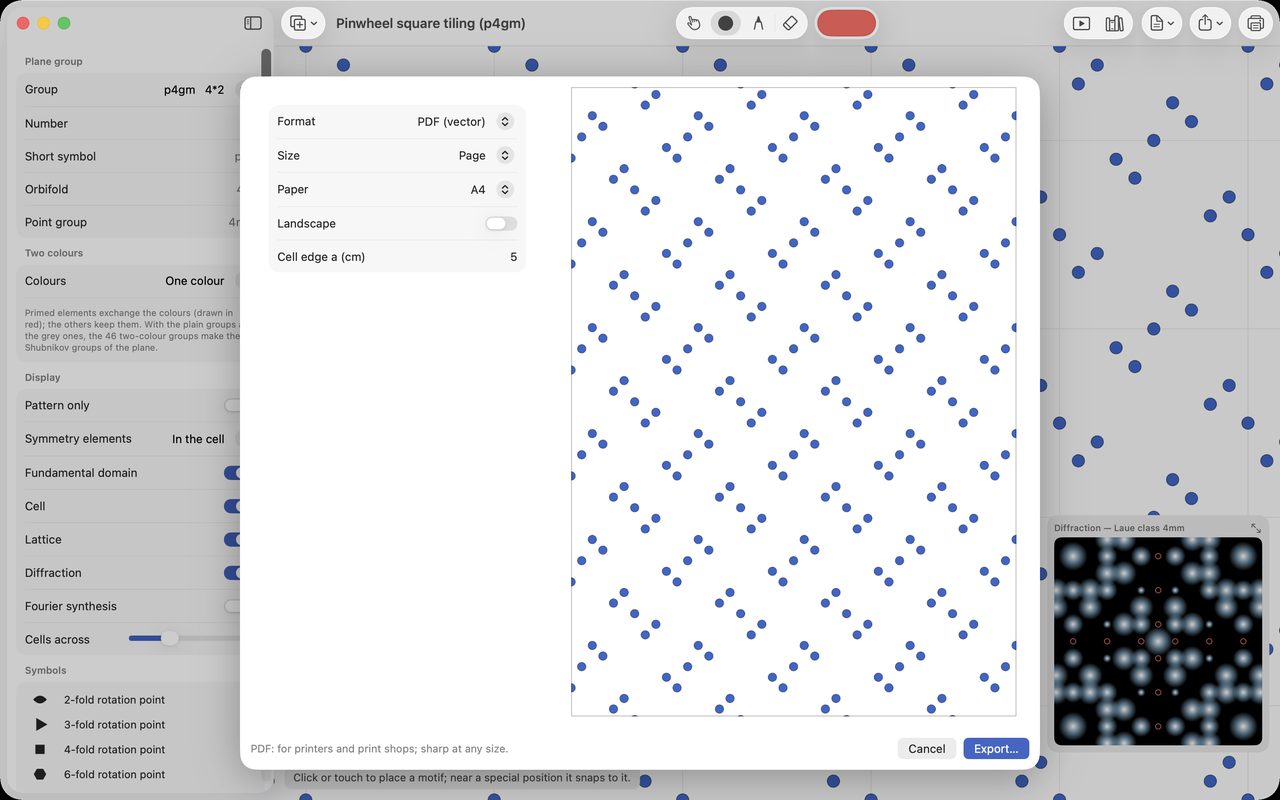
Print or Fabric… exports the pattern on its own at its real size: you set the size of the repeat tile in centimetres. You then choose:
- the format: vector PDF or SVG, PNG or TIFF at 150, 300 or 600 dpi, with a transparent background if needed;
- the size: a page (A4 to A2), a custom size, or a seamless repeat (straight, half-drop or half-brick) when the pattern allows it;
- for the printer, 3 mm of bleed and crop marks;
- for screen printing, one film per colour.
For graphic designers, there are more exports. The SVG can have one layer per colour, for Inkscape, Illustrator or Affinity. The DXF, in millimetres, is for laser cutting, plotters and CNC. The pattern's palette exports for Adobe (ASE), for GIMP and Inkscape (GPL) or for Procreate. A mandala prints at its diameter in centimetres, as PDF, SVG, PNG, TIFF or DXF.
Crystals, a feast for the eyes
The idea
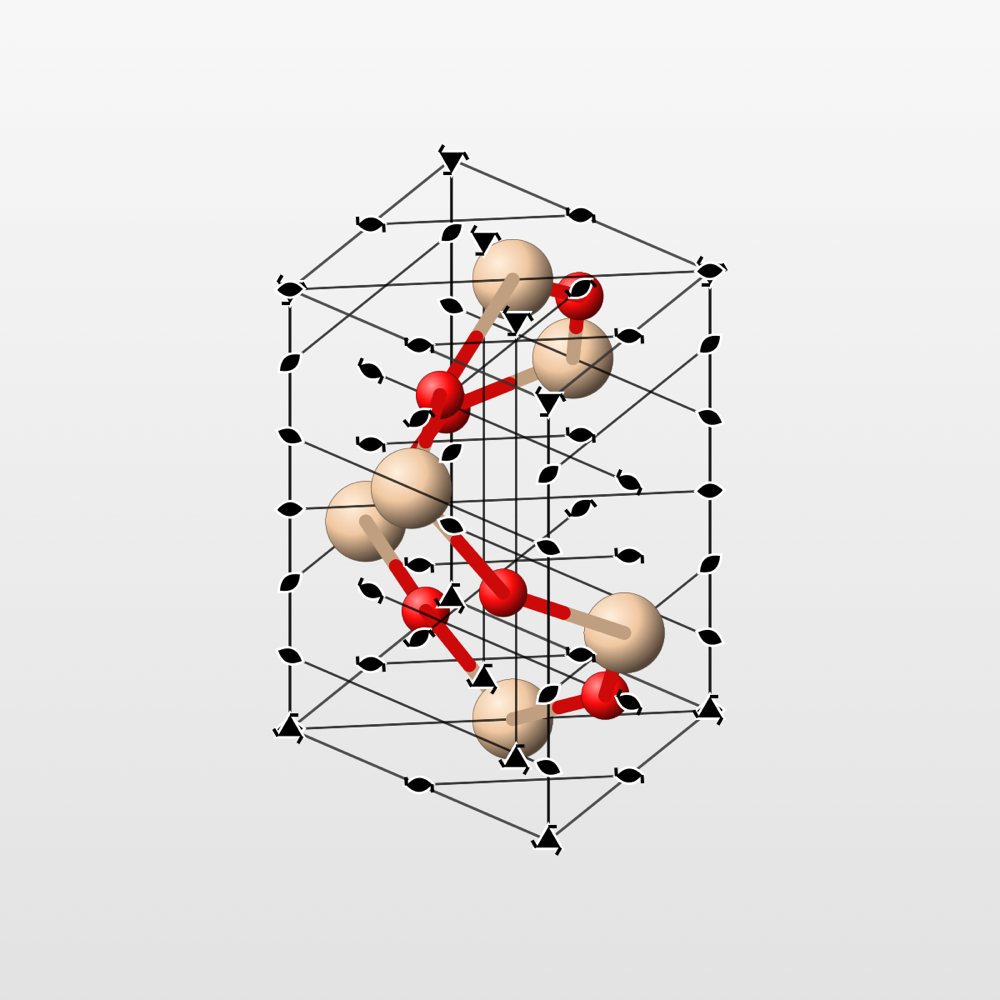
A crystal is a tiling in three dimensions: atoms arranged in a pattern that repeats in space. Table salt is a chessboard in relief, made of sodium and chlorine. Diamond is a network of carbon atoms, each bonded to four neighbours. The same ideas of repetition rule there, often with very beautiful shapes.
In Laue
In Laue (not Laue Plan), open a crystal from the examples: quartz, diamond, salt, graphite… Drag to turn it, pinch to zoom. Fill the view extends it to the edges, like an endless crystal. Export Image saves the view as PNG or PDF, and Present shows it full size. To go further, the Teaching guide explains what the workshop shows.
A crystal can also become an object to put on a shelf. 3D Print… saves it for a 3D printer: you choose the size in millimetres and the number of cells. In 3MF, each element keeps its colour, for a printer with several filaments. Bonds that would stick out into thin air are not printed; supports for overhanging parts are added in the printing software.
Practising
In Laue
The library's Exercises (Tutor) shelf offers, under “First steps”, four short exercises for learning the tool: place a motif and watch the rule repeat it, snap a motif onto a crossing of mirrors, count the arms of a mandala, work out by how much a tiled floor turns. A panel gives the instruction, checks your answer and offers hints, one at a time. The selector at the top of the shelf also shows the exercises for teachers and scientists.